

Everything Royal Play does
A fast player for your own M3U and Xtream playlists, on every screen you own.
Recorded in the app with a demo playlist of free test streams and images.
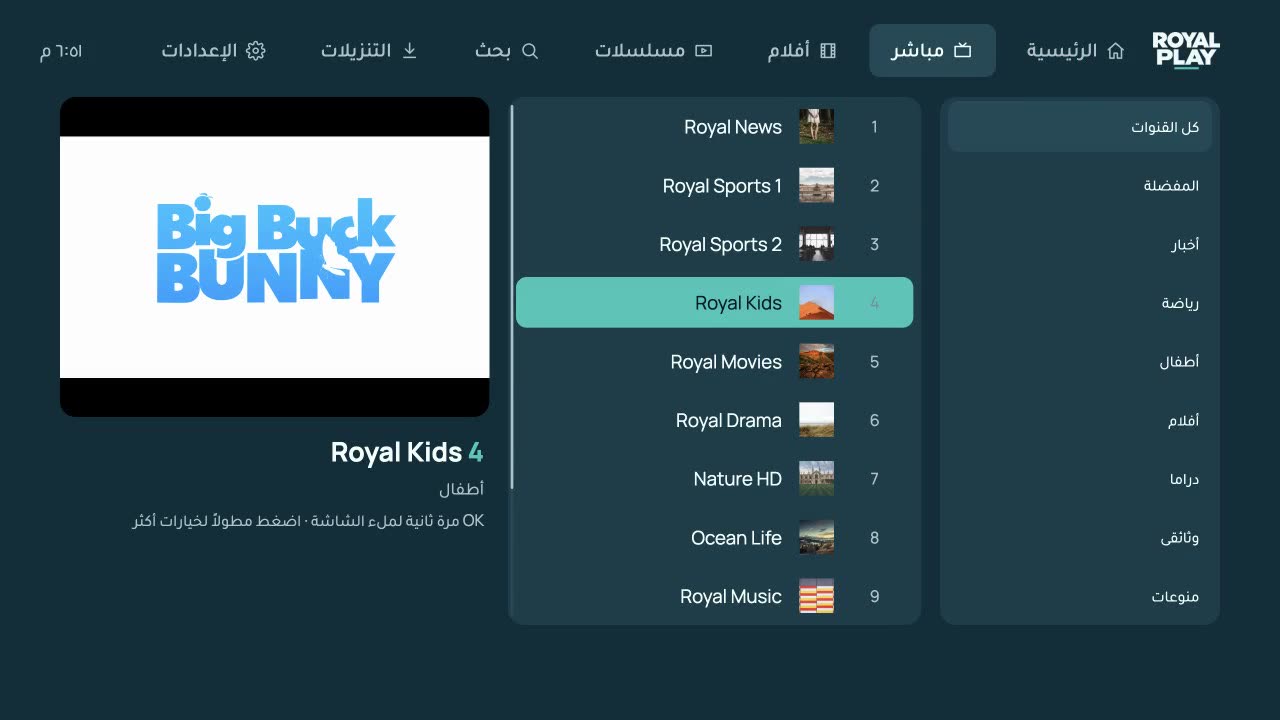
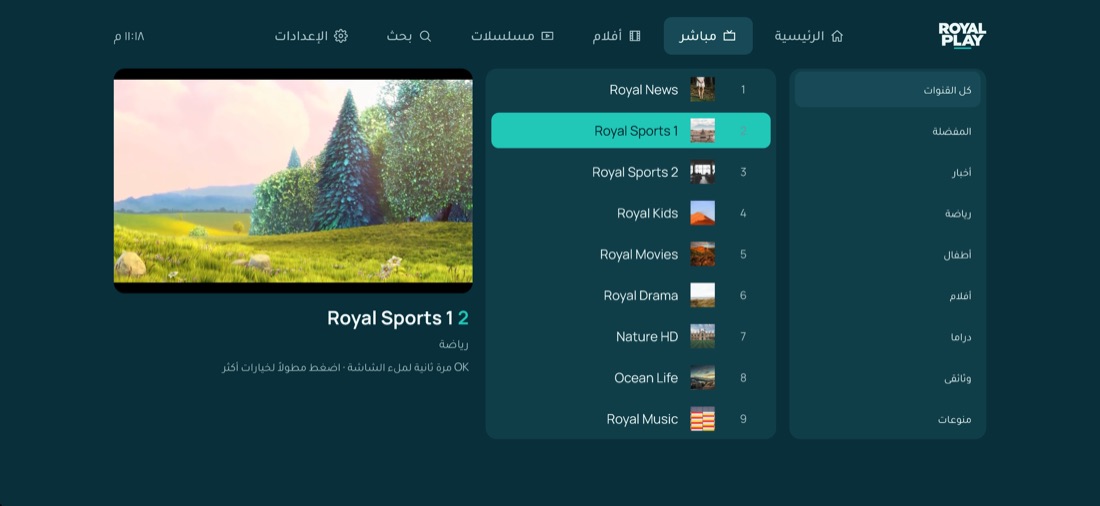
Live TV that keeps up
Categories, channel numbers and logos, a live preview while you browse, and one press for full screen. Zap with the arrows like on a real TV.
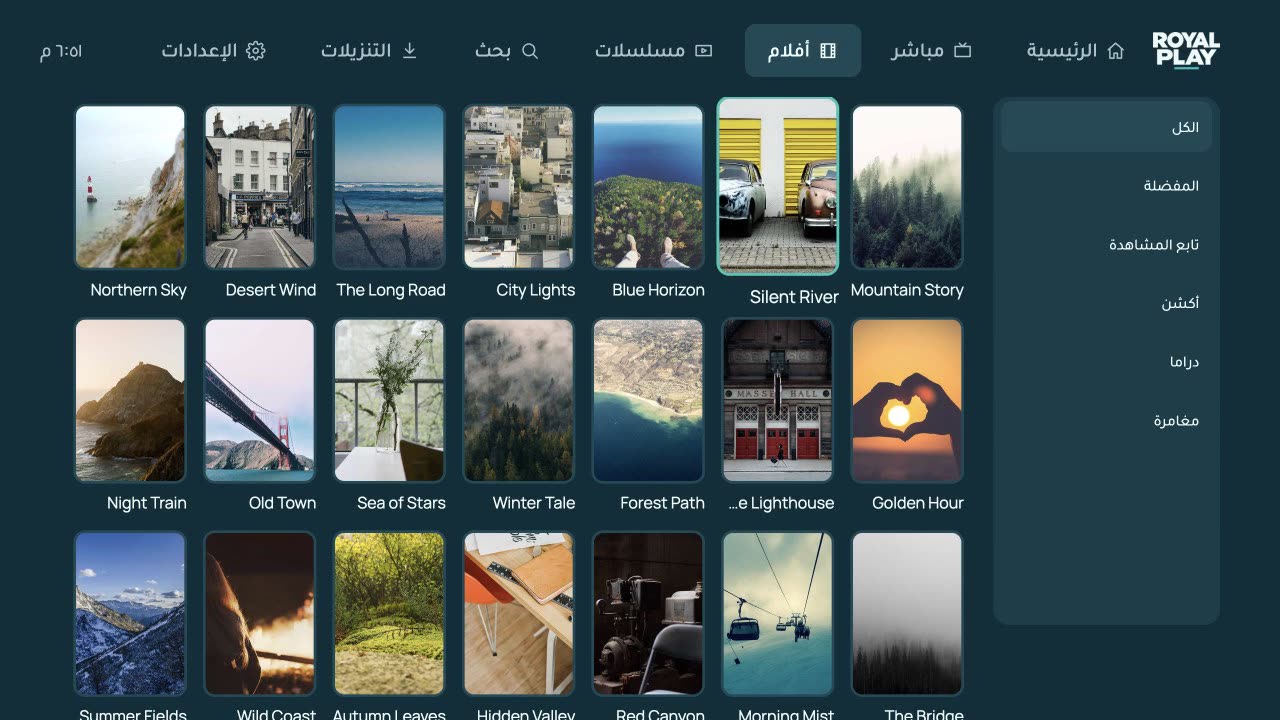
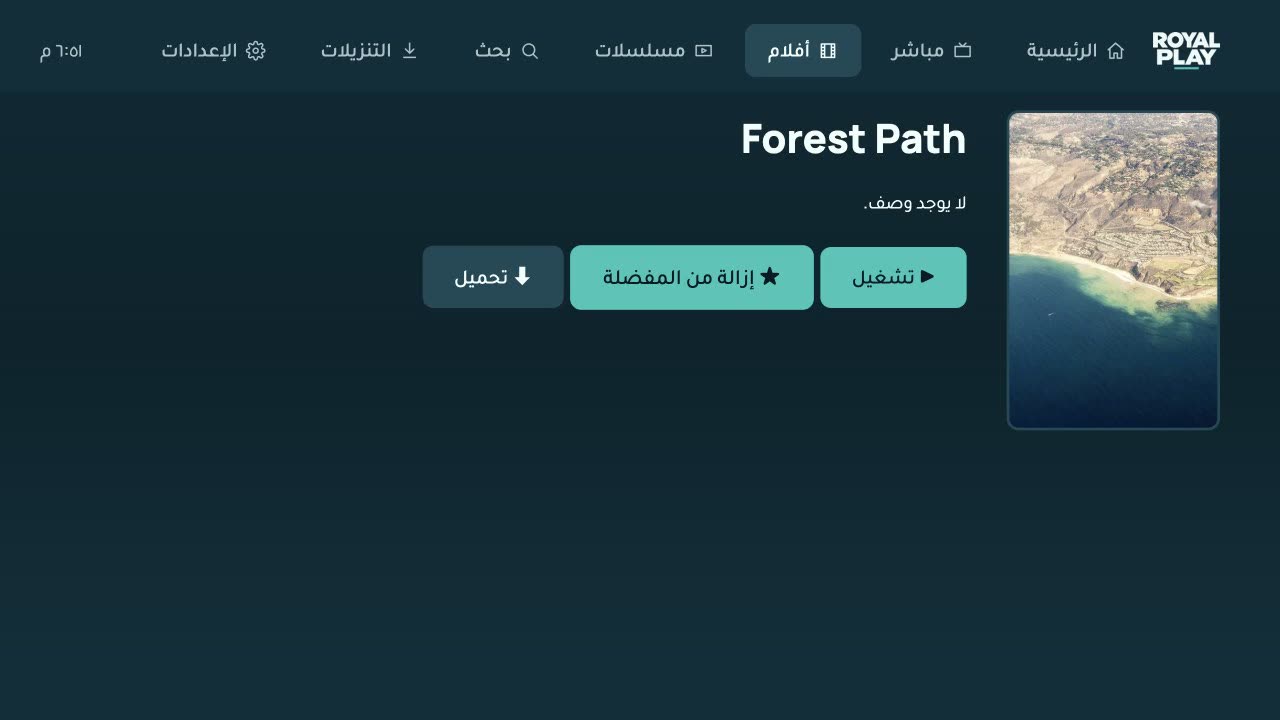
Movies and series, organised
Posters, details, seasons and episodes. Continue watching picks up where you stopped, and the next episode starts by itself.
A player that plays everything
ExoPlayer and VLC on Android, mpv on Windows and Mac: MKV, AC3, HEVC, subtitles and audio tracks, all from the same app.

Watch offline
Download movies and episodes on Android, Windows and Mac, and watch them without the internet. The red trash removes them.
Your list, from your phone
Scan the QR code on the TV and add or change your playlist from this website — no typing with the remote.
Safe for the family
Hide or lock categories with a PIN, and lock your playlists so nobody changes them from the website.

Frequently asked questions
Does Royal Play include channels or movies?+
No. Royal Play is a player only. You add the M3U link or Xtream Codes login you got from your own provider.
How do I add my playlist?+
Open the app and note the MAC address and device key. Enter them on this website (Upload playlist), add your list, then press “Reload playlists” in the app. You can also add it straight from the app.
Which devices does it run on?+
Android phones and tablets, Android TV boxes, Amazon Fire TV, Windows, Mac, LG and Samsung Smart TVs and Hisense VIDAA. iPhone and iPad are coming to the App Store.
Is there a free trial?+
Yes, every new device gets 7 days free. After that the device is activated by your provider.
How do I install it on Fire TV?+
Install the free “Downloader” app from the Amazon store, open it and type the code 7988100.
Windows or Mac says the app can’t be verified+
Windows: choose “More info”, then “Run anyway”. Mac: open System Settings → Privacy & Security and click “Open Anyway”. You only do this once.
Will I lose my activation if I reinstall the app?+
No. The MAC address comes from the device itself, so the same device keeps its activation and playlists.